
Sort by views
Rank visible videos and Reels by reach so the strongest performers rise to the top first.
Official Chrome extension
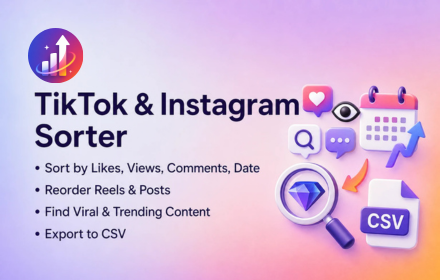
Rank visible TikTok videos and Instagram posts by views, likes, comments, or date in desktop Chrome. Spot viral content faster, review metrics on the page, and export selected rows to CSV without sharing your social account passwords.
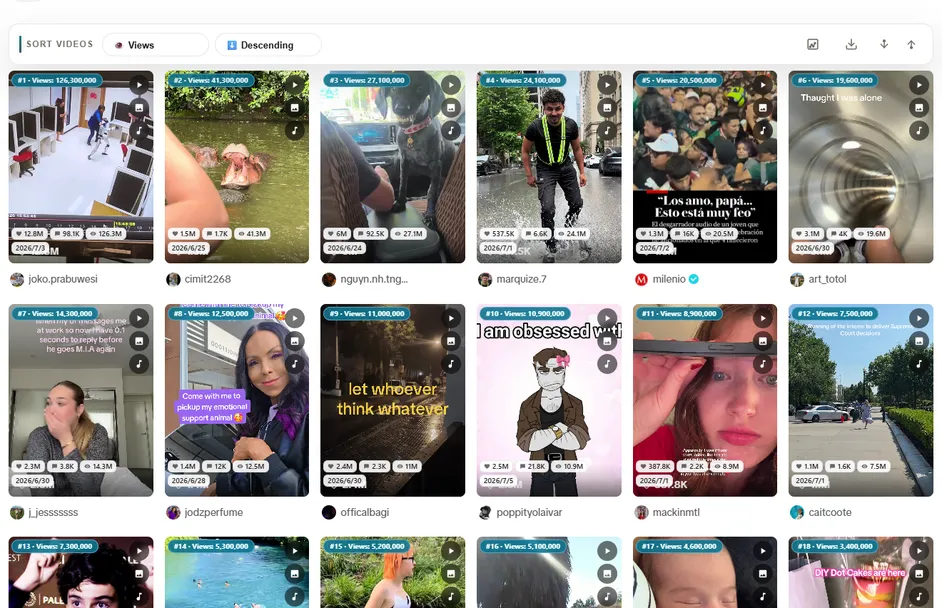
What it handles
Creators, social teams, and researchers need a fast way to rank visible posts without opening every Reel or TikTok one by one. Sort Feed keeps the workflow inside desktop Chrome.
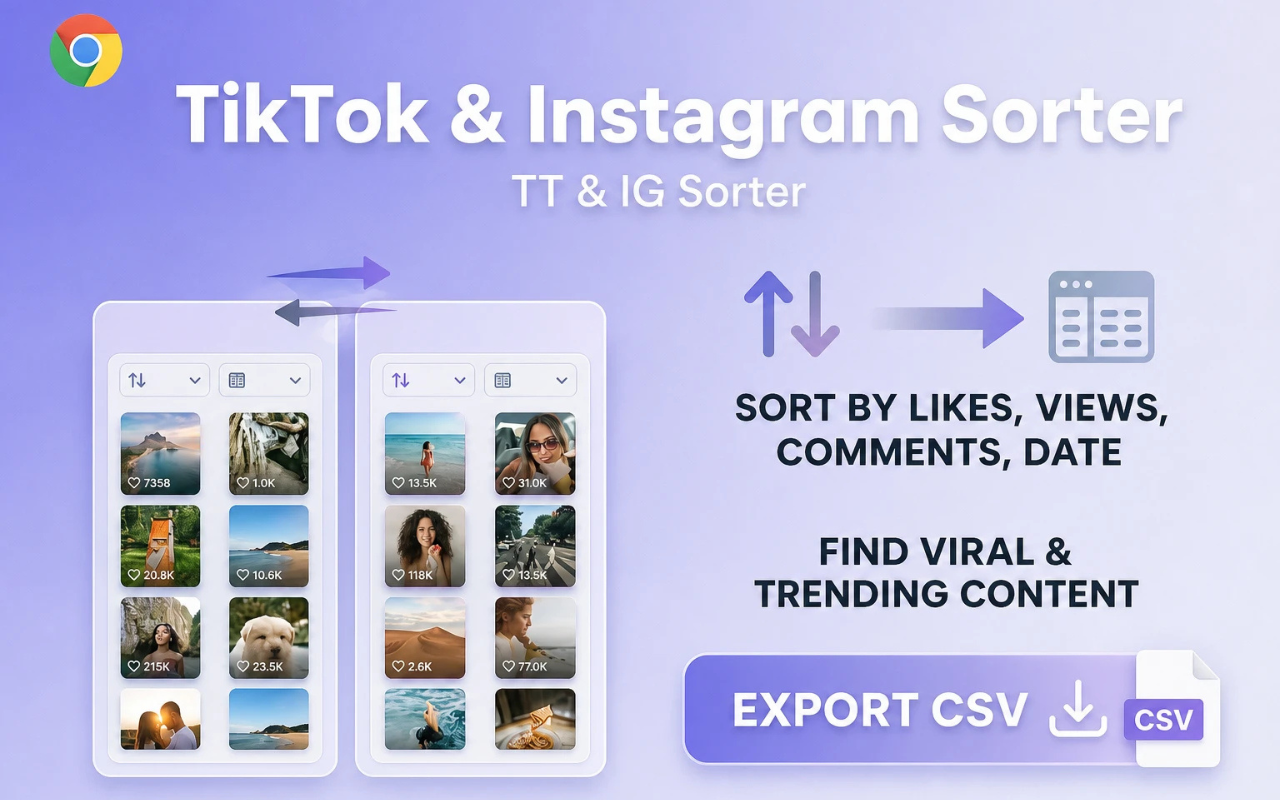
Rank visible videos and Reels by reach so the strongest performers rise to the top first.
Surface posts with the strongest pull and compare engagement across a profile or feed.
Find posts driving discussion and community response before you dig into captions or hooks.
Restore chronological order when you need posting timelines instead of algorithm ranking.
Use cases
Sort Feed helps you move from algorithm noise to ranked, visible evidence. Keep research inside desktop Chrome instead of jumping between tabs and spreadsheets first.
Add to Chrome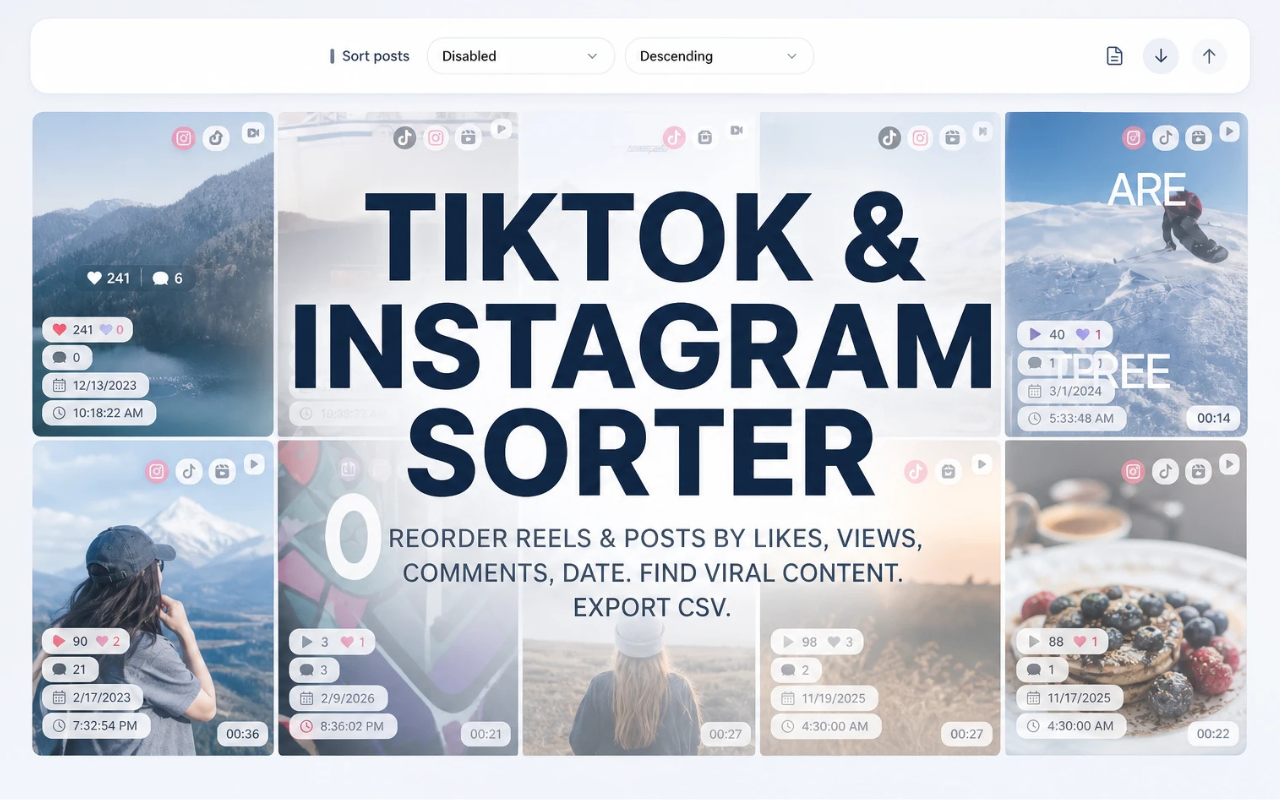
Rank a competitor profile by views or likes before deciding which posts deserve a deeper look.
Surface high-performing Reels and TikToks quickly for hooks, formats, and trend research.
Compare engagement across a creator grid without opening every post manually.
Export selected rows to CSV for client updates, content calendars, and performance notes.
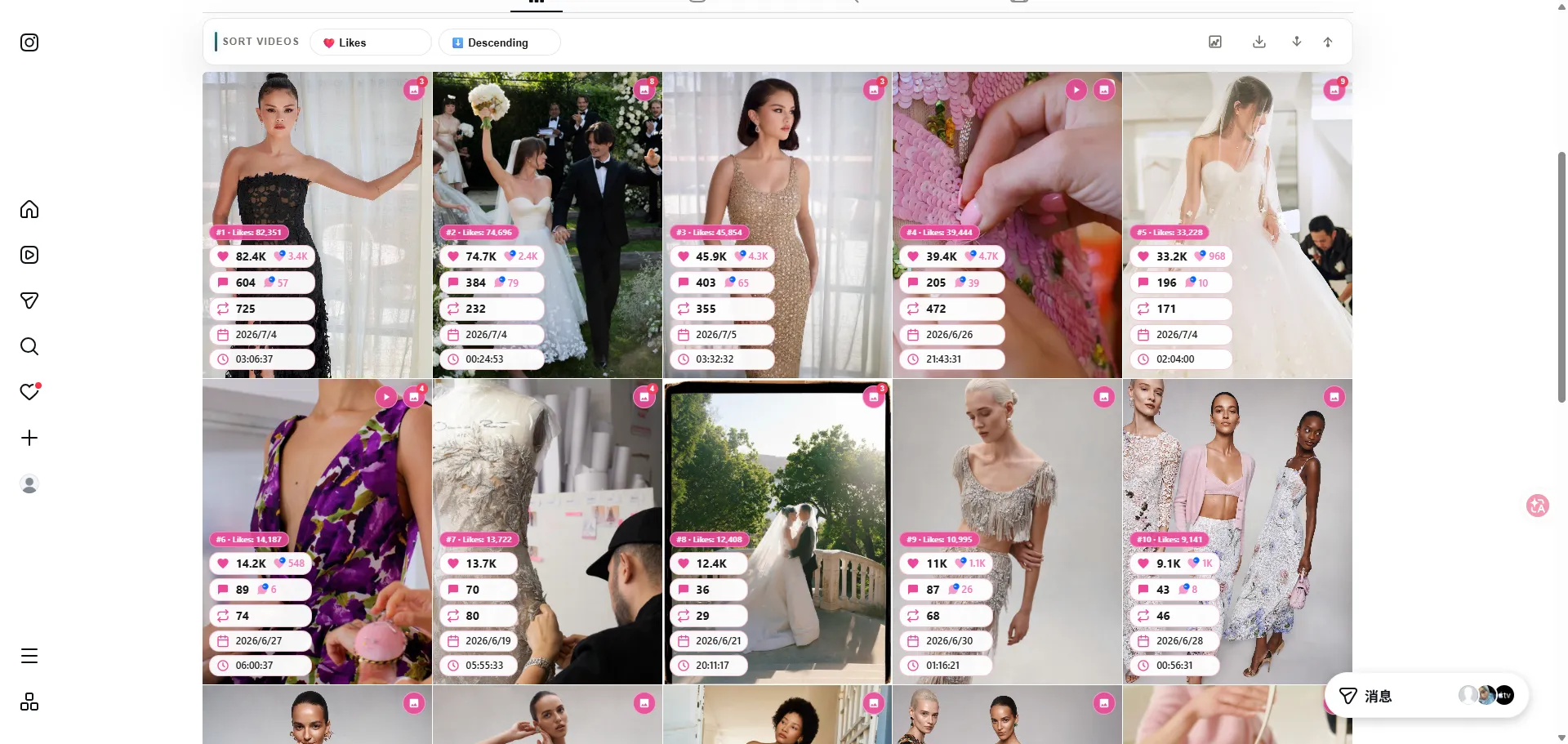
Reorder visible Instagram posts and Reels by likes, views, comments, or date on supported pages.
Visit sortfeed.io
Switch metrics in one click to answer different research questions on profiles, Reels, and video grids.
Add to Chrome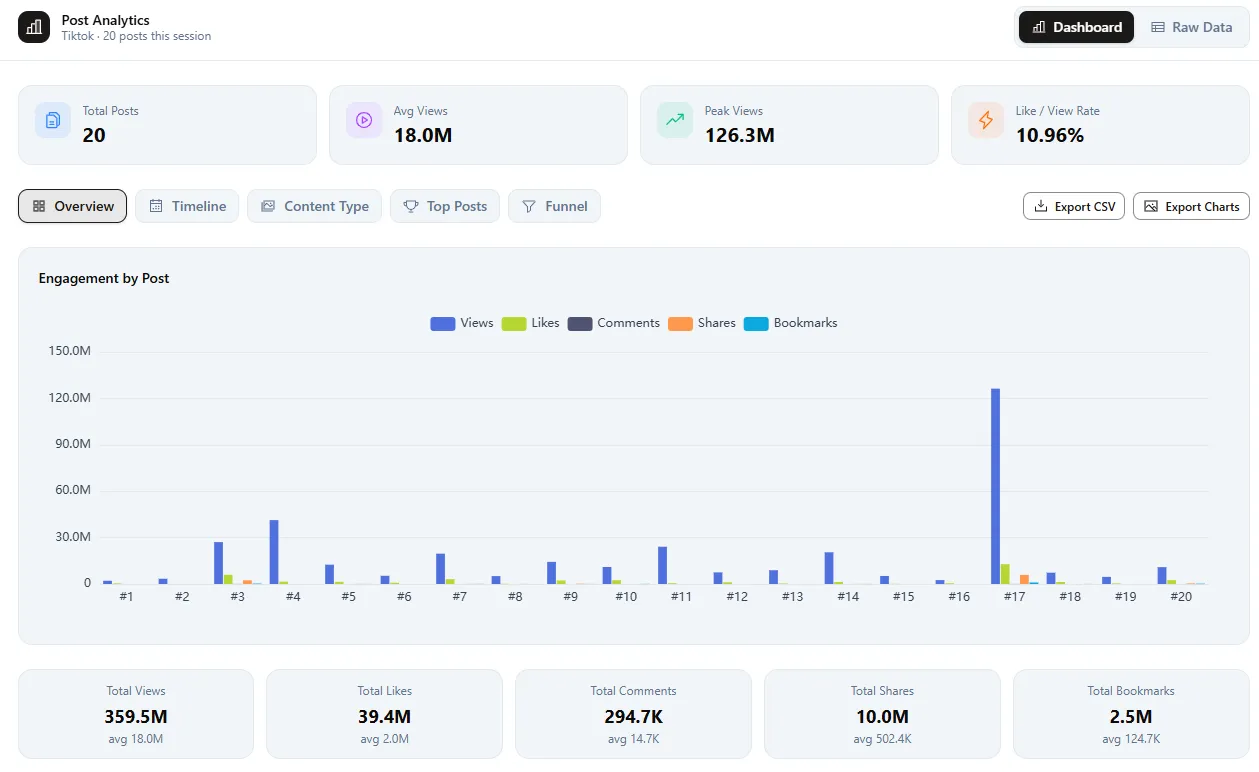
Compare totals, averages, and outliers across the current visible session before choosing what deserves deeper analysis.
Add to Chrome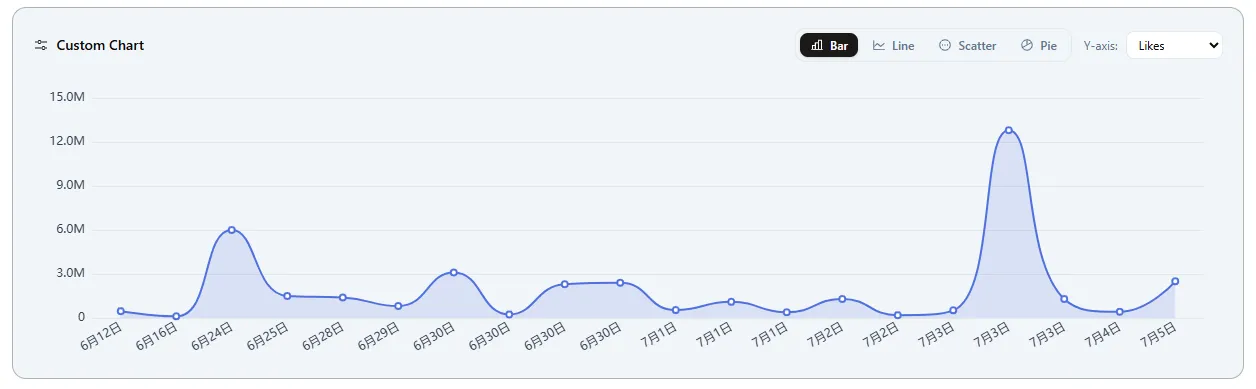
Use chart views to connect engagement spikes with posting dates and content themes.
Add to Chrome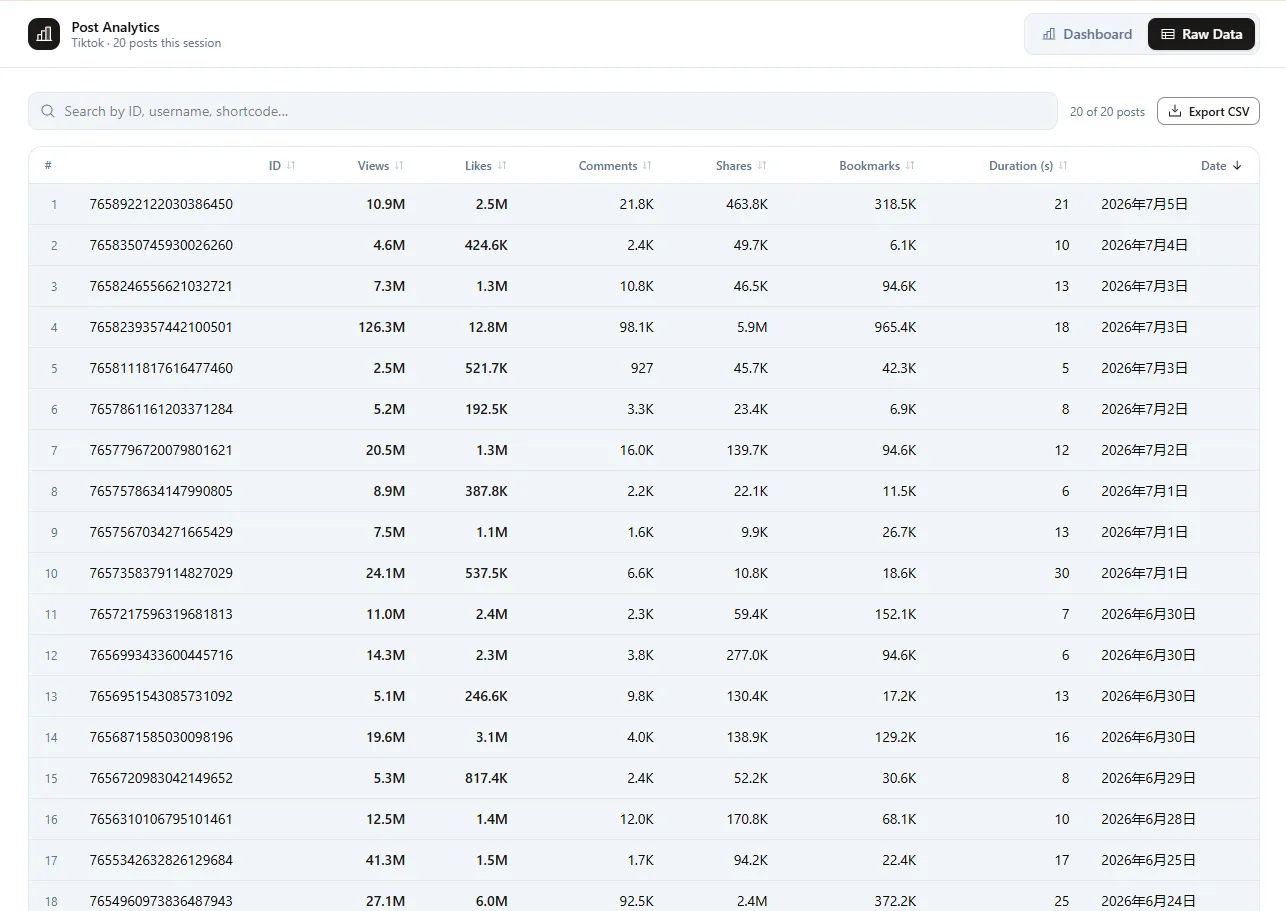
Open row-level values to confirm IDs, dates, durations, and engagement numbers match the posts you are analyzing.
Add to Chrome
Export selected rows with engagement values for audits, competitor research, and content reports.
Add to ChromeWhat it handles
Use Sort Feed on supported TikTok and Instagram pages you can already open. Sort the visible grid, review analytics and charts, inspect raw rows, then export only the posts that matter.
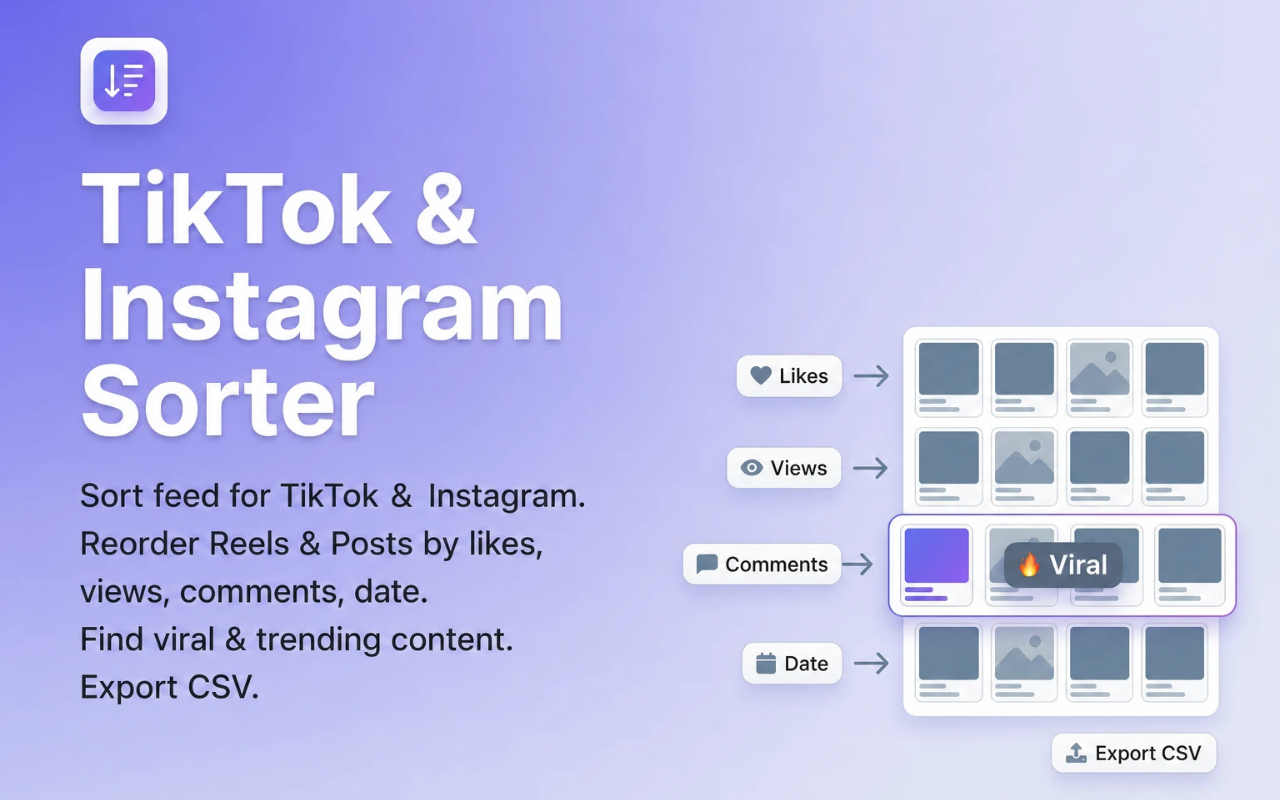
Rank visible videos and Reels by reach so the strongest performers rise to the top first.
Surface posts with the strongest pull and compare engagement across a profile or feed.
Find posts driving discussion and community response before you dig into captions or hooks.
Restore chronological order when you need posting timelines instead of algorithm ranking.
Spot outliers and trending clips faster after reordering the visible grid by performance.
Download selected row data for reports, competitive audits, and offline analysis.
Works on supported Instagram and TikTok pages in desktop Chrome without a separate dashboard login.
Sort Feed uses content already visible in your browser session. It does not ask for your TikTok or Instagram passwords.
Different paths solve different jobs. Use Sort Feed when you need to reorder visible TikTok and Instagram posts inside Chrome. Manual scrolling is slower. Separate dashboards add login and setup overhead.
Chrome Web Store reviews
Recent public reviews from the Sort Feed Chrome Web Store listing, shown with the original reviewer names, dates, and review text. Listing stats were checked on July 20, 2026.
Jun 22, 2026
Works great
Chrome Web Store reviewsMay 18, 2026
worked liked it
Chrome Web Store reviewsMay 12, 2026
Works really well.
Chrome Web Store reviewsMay 6, 2026
thanks for your Service, Nice work ! i'm in korea, wish you all the best with your business !
Chrome Web Store reviewsMay 2, 2026
Simple, straightforward, and effective chronological sorting makes social media browsing more controlled and efficient!
Chrome Web Store reviewsMay 2, 2026
This extension is extremely valuable if you want to improve browsing efficiency, especially for content research.
Chrome Web Store reviewsApr 22, 2026
A must have tool to fight algorithm-driven feeds! If you hate "recommended for you" content, you should definitely try this.
Chrome Web Store reviewsApr 15, 2026
Great idea! Super helpful! This plugin helps me do some simple data analysis, filter out irrelevant content, and keep my feed clean without changing the original experience. It saves me a lot of time on repetitive tasks and makes browsing much more efficient. thx
Chrome Web Store reviewsUse Sort Feed on supported TikTok and Instagram pages in desktop Chrome. Sort the visible grid, inspect winners, and export only the rows you need.
Open the official Chrome Web Store listing and add Sort Feed to Chrome, Edge, or another Chromium browser.
Go to a TikTok or Instagram profile, Reels tab, search page, or other supported grid your browser can already access.
Pick views, likes, comments, or date from the Sort Feed controls to reorder the visible posts.
Inspect the top rows, shortlist winners, and export selected data to CSV when you need it for reporting.
Responsible use
Sort Feed ranks content already visible in your browser. It is an independent third-party tool and is not affiliated with TikTok, Instagram, ByteDance, or Meta.
FAQ
Quick answers about sorting TikTok and Instagram feeds, CSV export, and account access.
Sort Feed is a desktop Chrome extension that sorts visible TikTok videos and Instagram posts by views, likes, comments, or date, then helps you review metrics and export selected rows.
Yes. Sort Feed covers supported Instagram and TikTok pages in desktop Chrome. Availability can vary as platforms update their web UI.
Yes. Use Sort Feed as an Instagram feed sorter to reorder visible posts and Reels by likes, comments, date, or views on supported pages.
Yes. After sorting, you can export or download selected row data for reporting, research, and offline analysis.
No. Core sorting and visible-metric review workflows use content already loaded in your Chrome session. Sort Feed does not ask for your social account passwords.
The Chrome Web Store listing is the primary install path. The official Sort Feed site covers guides, features, and product updates for creators and social teams.
Add the official extension to sort TikTok and Instagram feeds in Chrome, or visit sortfeed.io for guides and product details.